

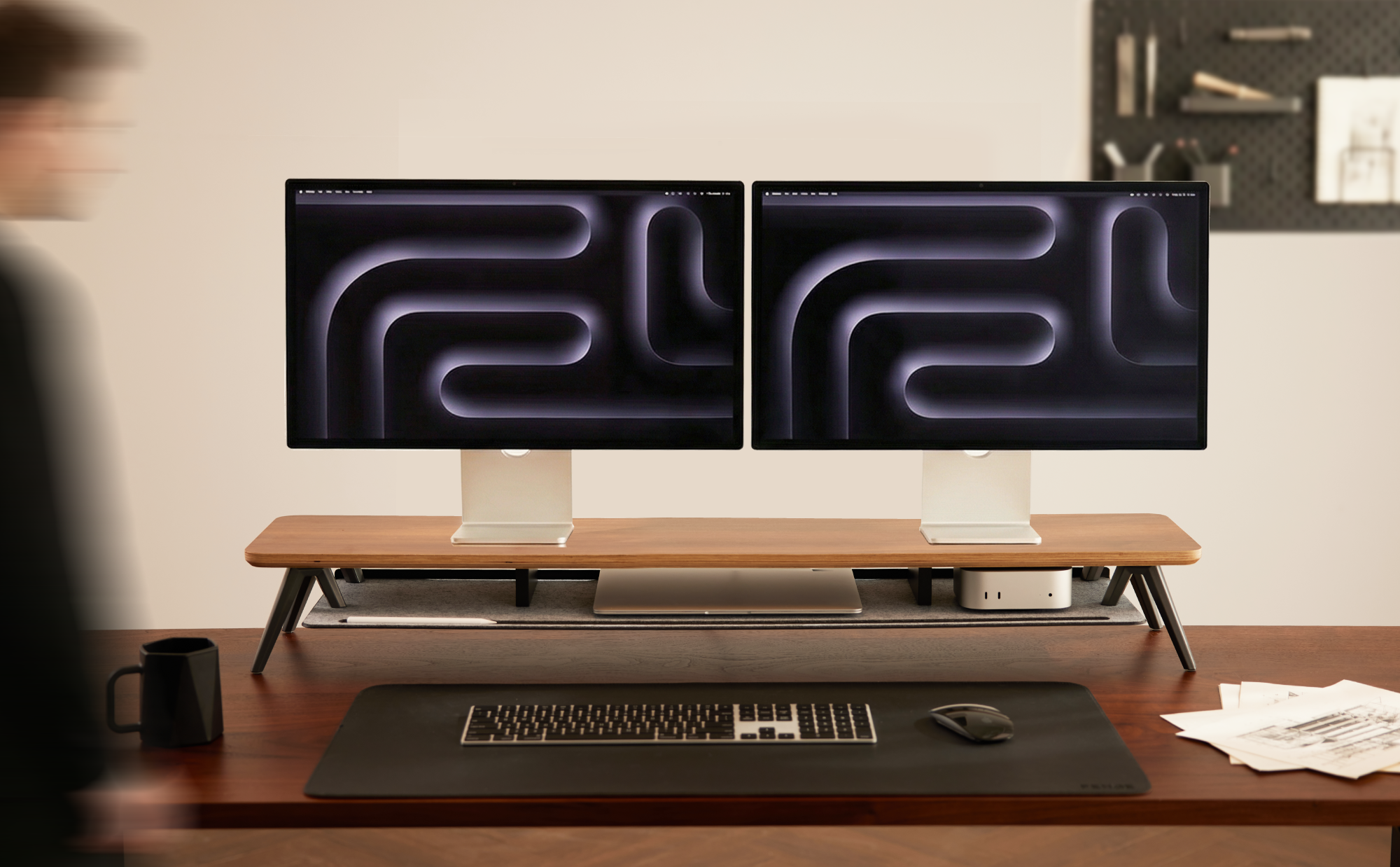
Are you a programmer, designer, or creative multitasker? A dual-screen setup boosts your efficiency but also brings problems: bulky stands that eat up desk space, cable clutter, and no fixed place for keyboard or laptop.
The solution for an efficient, tidy workspace may be closer than you think: a monitor stand. It’s more than a simple elevation – it’s the key to true “three-dimensional desk expansion.”
I. Typical problems at a multi-screen workstation
The challenges start with the second screen:
Space hog: Bulky stands block valuable desk depth, leaving hardly any room for the mouse.
Cable labyrinth: Power and video cables of each monitor quickly become an impenetrable tangle, especially when combined with a laptop or PC.
Unhealthy posture: Uneven or too low screens force a curved sitting posture and cause neck tension over time.
Homeless devices: Your essential keyboard, laptop, or graphics tablet compete for space, making workflows cumbersome.

II. Monitor stand: Not just “raise,” but “reshape space”
A well-designed monitor stand fundamentally changes the situation. Its core principle is vertical expansion.
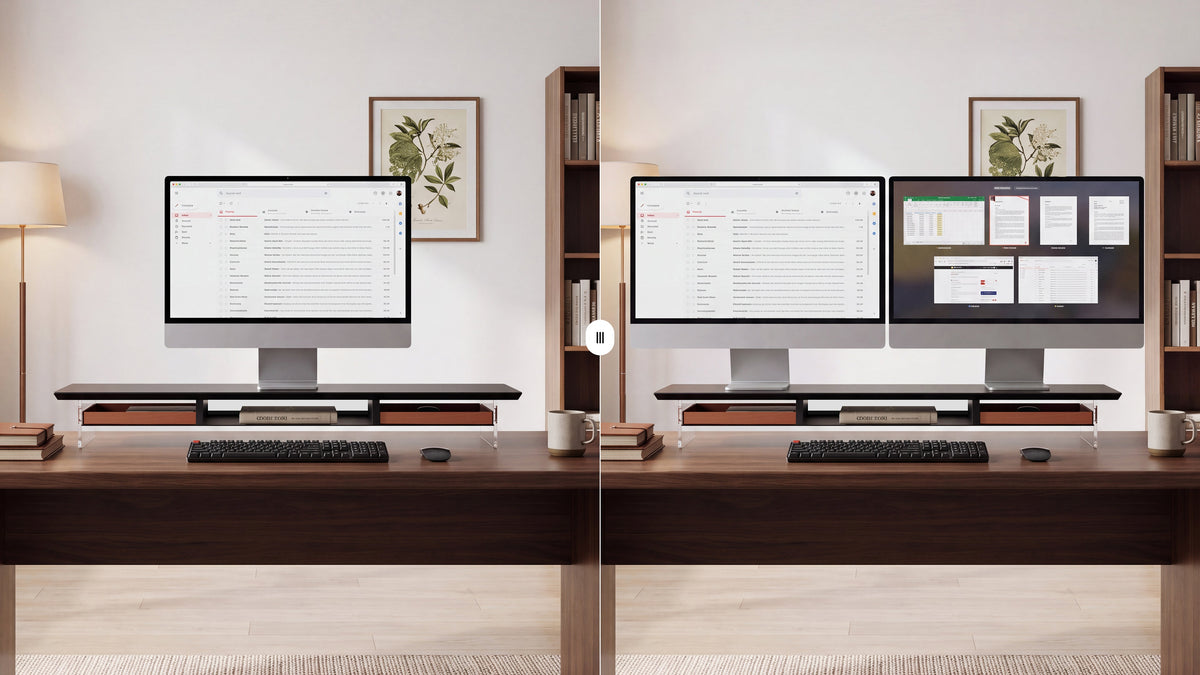
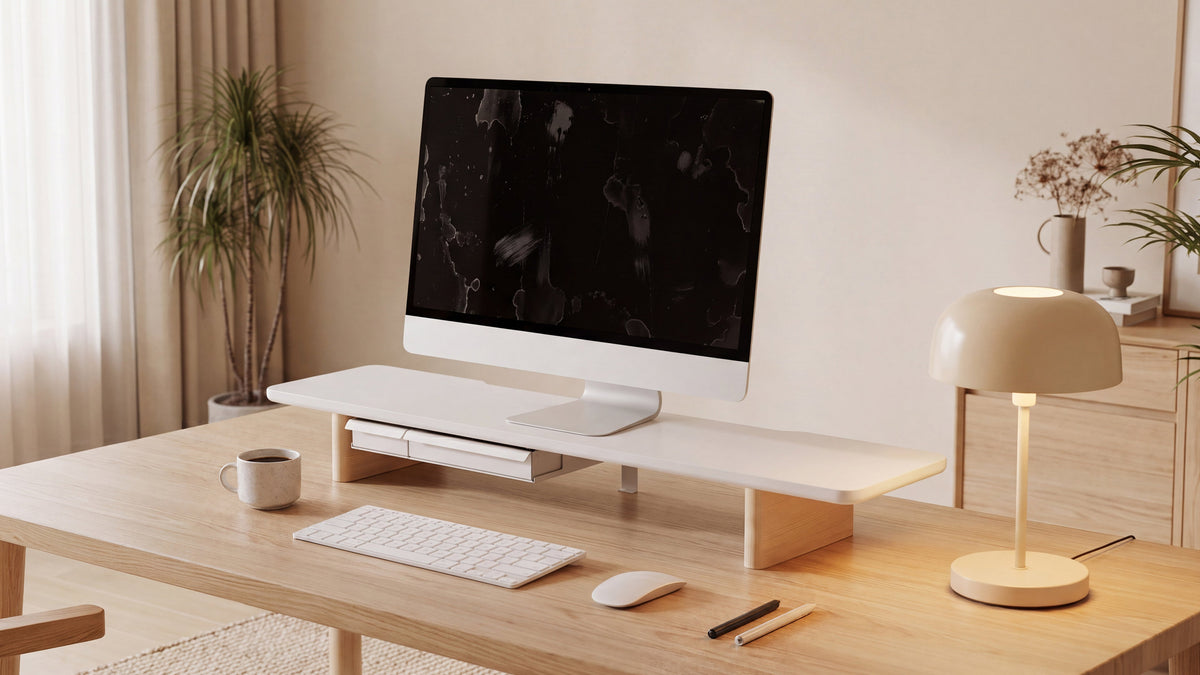
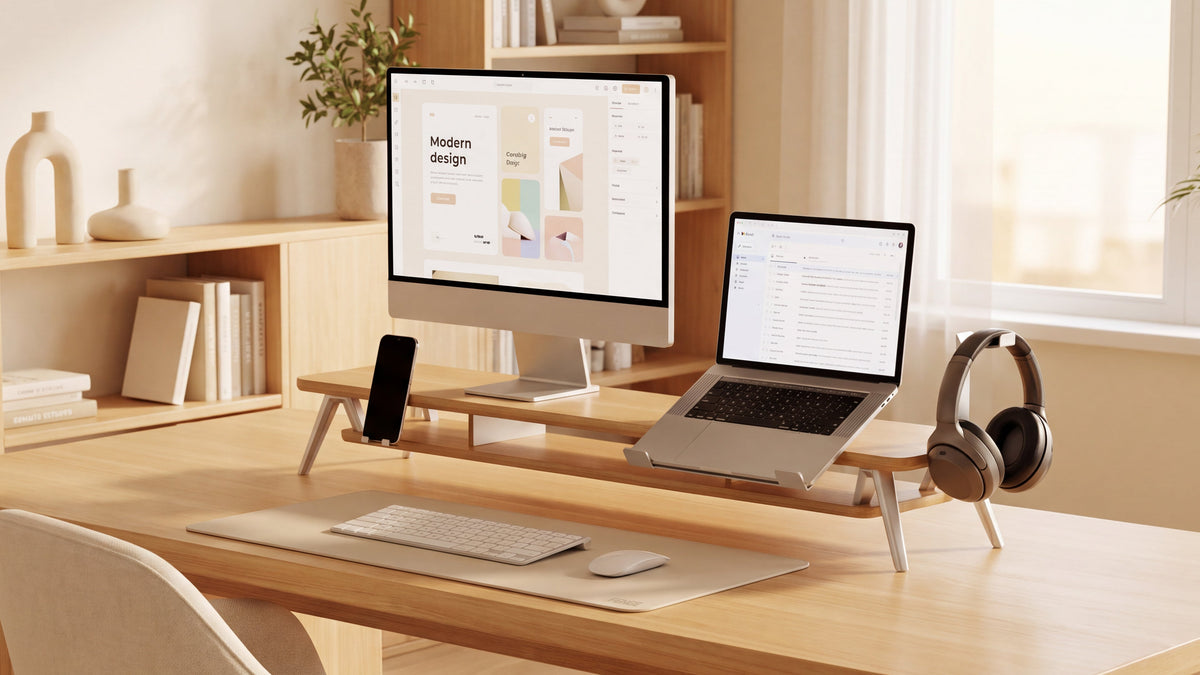
By placing the monitors from their individual stands onto a common platform, you suddenly gain a lot of valuable desk space – with minimal effort. The newly created space underneath becomes the perfect charging station for keyboard, trackpad, or laptop: just slide in for a clear desk, pull out for immediate use.
This layered organization tackles clutter at its root, eliminates visual chaos, and creates space for concentration. During focused work, the second screen can remain off while the primary screen at an ergonomically ideal height prevents fatigue.
Ⅲ. Examples from practice
Scenario: The programmer
Setup: Main screen for code, secondary screen for documentation, terminals, or references.
Under the stand: Mechanical keyboard and trackpad. After work, slide the keyboard away – the desk is instantly tidy.
Efficiency gain: No more constant switching between windows. Eye and thought flow move in parallel, making programming smoother.

Scenario: the content creator/designer
Setup: main screen for video editing or detailed design work; secondary screen for media libraries, communication tools, or mood boards.
Under the stand: graphic tablet or second laptop. A MacBook also fits here, connected as a powerful main computer.
Efficiency gain: The physical separation of creative workspace and tools keeps the desk surface ready for use and promotes focus and creativity.
ⅣWhy the FENGE monitor stand is the ideal choice for multi-screen users
Simple laptop stands or unstable height adjusters are not up to complex setups. The FENGE monitor stand series was designed precisely for this use case:
Robust & stable: Made from reinforced metal frames and high-quality panels, it far exceeds the load capacity of conventional products—even two 27-inch monitors with a total weight of up to 15 kg stand completely stable, protecting your valuable devices.
Generous & compatible: Offers various wide sizes, specially optimized for side-by-side arrangement of two monitors. Ensures a secure stand and a clean, uniform appearance.
Functional & protective: The design focuses on an open, tidy work platform. Full-surface anti-slip pads securely protect the desk surface, and rounded edges provide a pleasant feel.
Simple aesthetics: With clean lines and classic, high-quality tones, it focuses on material quality and structure—not playful design. It fits into any workspace, enhances it, and becomes the aesthetic foundation of an efficient desk.

ⅤFrom chaos to efficiency: a noticeable transformation
If you're tired of clutter at your multi-screen workstation or want to elevate both productivity and desk aesthetics to a new level, then the combination of "multi-screen + FENGE monitor stand" is the solution you've been looking for.
Discover the FENGE monitor stand series, designed for multi-screen productivity. Give your most important tools a stable, stylish, and efficient home. Reclaim your desk space and, above all, unleash your creative potential.
Share:
The Ultimate Guide: How a Monitor Stand Enhances the Aesthetics of Your Desk
The "Most Supportive" Valentine's Day Gift: 3 Ways to Show Love with a Monitor Stand