

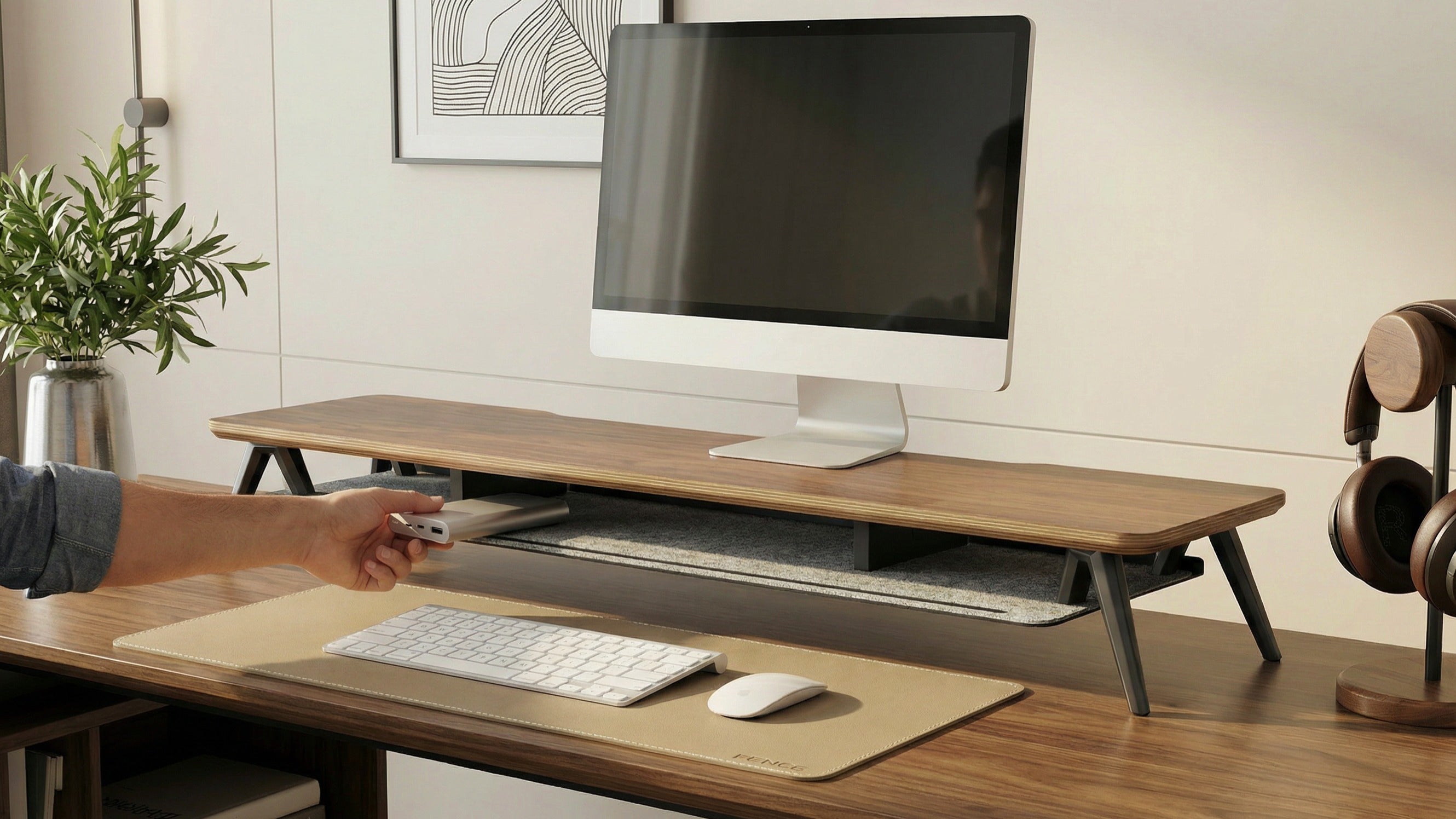
In 2026, a desk is no longer just a place where the computer sits. It is your productivity center, the stage for content creation, and the gateway to immersive experiences. Yet most setups are still stuck in the "as long as it works" phase: cable clutter, lack of space, and device chaos — all of which unconsciously steal your concentration.
This guide takes you from basic order → advanced efficiency → ultimate immersion.
Level 1: Basic order — the victory of minimalism
Target audience: Students or entry-level professionals with limited budgets and a sense of aesthetics.
Keywords: vertical space, visual subtraction.
The core of the first phase is not "buy more," but "hide better."
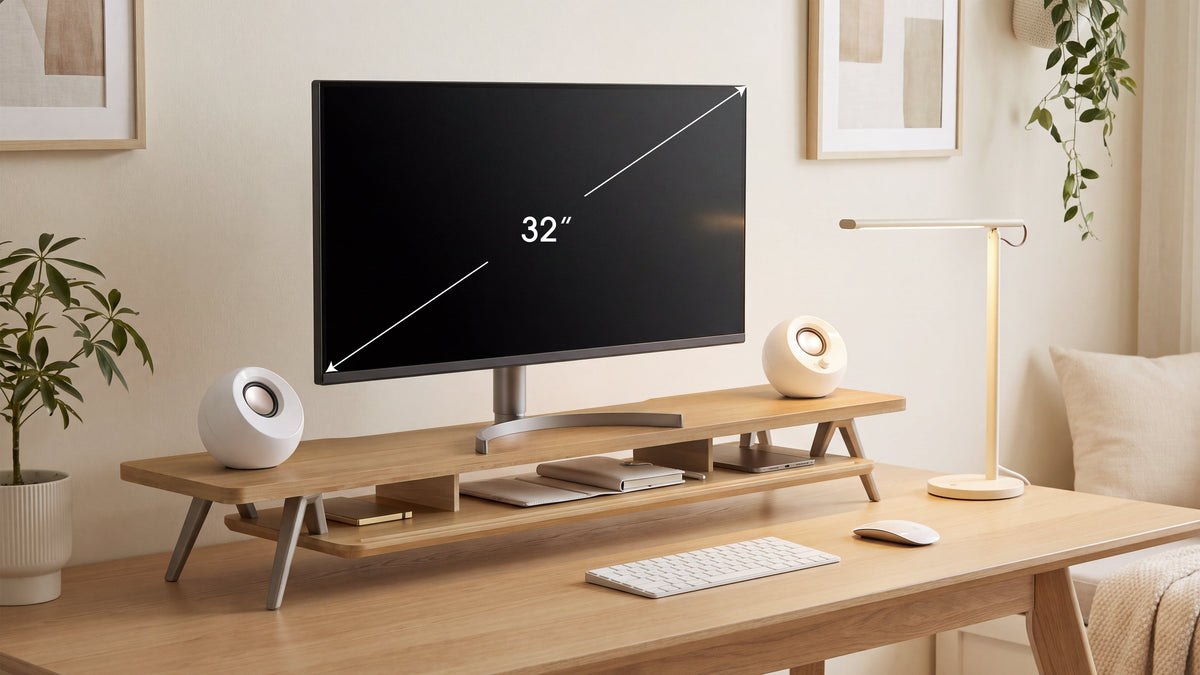
Monitor riser (desk shelf): The 2026 trend is natural wood or linen. It protects the neck through ergonomic viewing height and creates "hidden storage" for keyboards and notebooks.
Basic organizer: No more chaos. A drawer under the shelf discreetly stores USB sticks and small items.
Felt desk pad: Compared to rubber, the popular 2026 pads made of felt or microfiber leather offer a warmer feel and immediately give the desk a "premium look."
The goal: create "empty" space. Everything except the tools you are currently using is stored vertically or hidden.
Level 2: Advanced efficiency — modularity & multitasking
Target audience: Programmers, designers, and efficiency enthusiasts.
Keywords: Dual-screen synergy, dynamic adjustment.
When a single screen is no longer enough, you need a system that keeps up with your thinking pace.
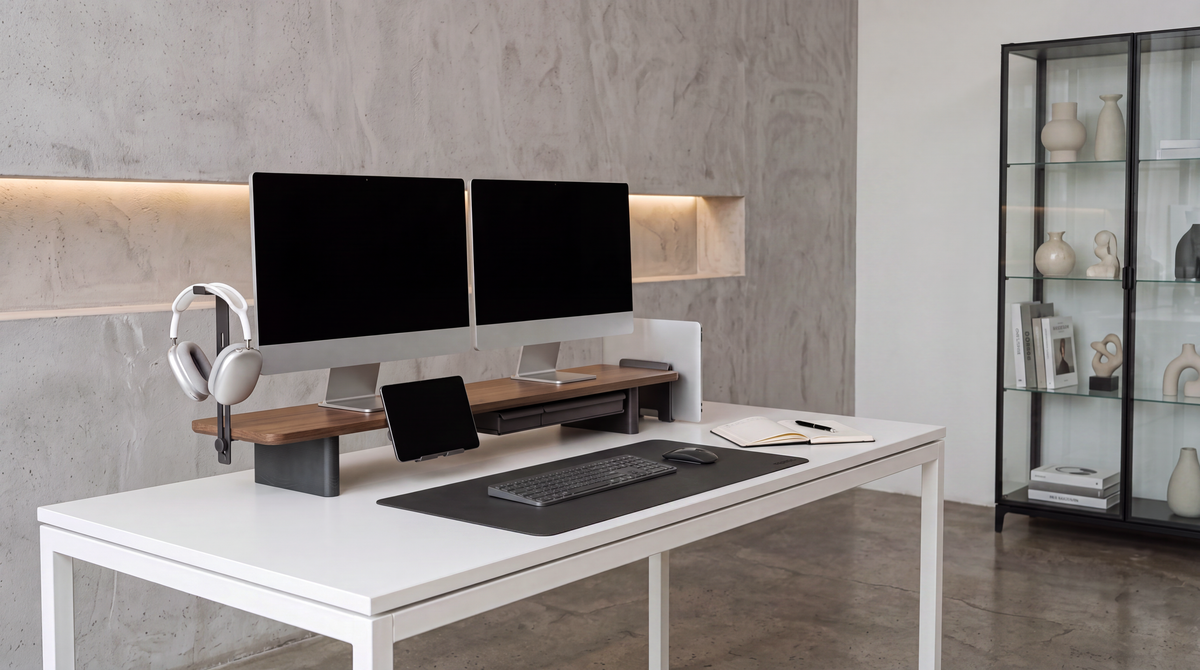
Dual-screen/ultrawide solution: The recommended combination is "main monitor horizontal + secondary monitor vertical." The vertical screen is ideal for code, chats, or references. Mechanical monitor arms allow adjustment to your seating position at any time.
Modular components: Use magnetic cable guides or side headphone holders. Professionals in 2026 use magnetic cable bridges that make power cables along the table legs invisible.
Smart light strips: An asymmetrical monitor lamp protects the eyes and automatically adjusts the color temperature ($2700K - 6500K$) to the ambient light.
Level 3: Ultimate form – complete ecosystem
Suitable for: Hardcore gamers, tech enthusiasts, and creatives with the highest aesthetic standards.
Upgrade keywords: Immersive experience, whole-home integration, AI automation.
The most advanced desktop solutions of 2026 never appear cluttered at first glance, as they follow a strict visual logic.
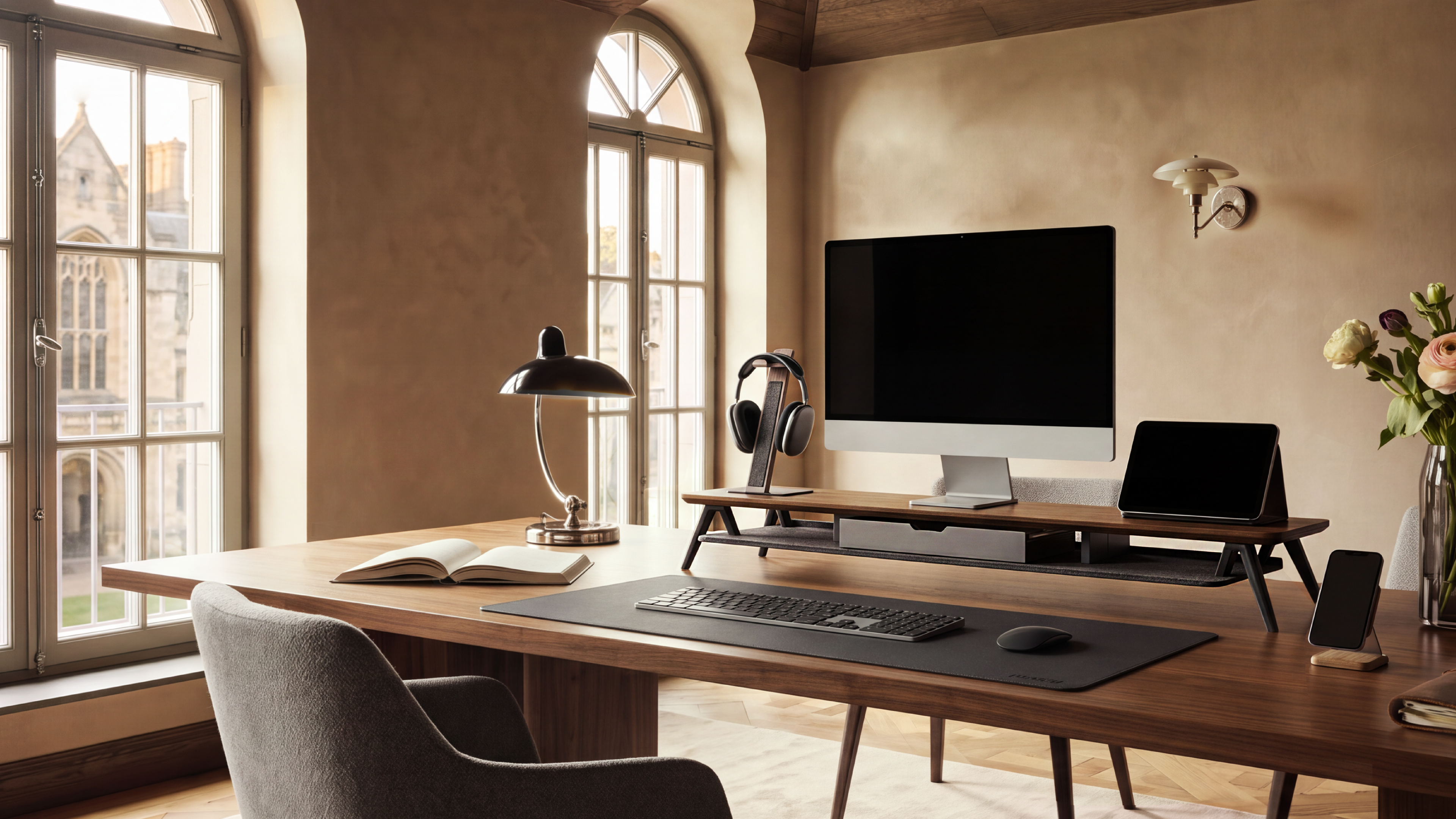
1. Absolute material unity: Natural wood look: Consistent use of walnut or oak wood tones. From monitor risers to cable management boxes—even the surface of charging stations has a uniform texture, creating a harmonious, natural appearance.
Industrial look/metallic appearance: Extensive use of anodized aluminum and cold-rolled steel. Keyboard housings, feet, and even the covers of cable pass-throughs on the desk are perfectly matched through precise metal sandblasting, giving the system a cool, industrial precision.
Strict color control: Avoidance of striking colors in peripherals. Strict adherence to the color scheme “black, white, and gray” or “natural wood + dark gray.”
2. A self-contained system: From assembly to seamless connection through a harmonious overall appearance
Every component is part of a unified design. The interplay of warm, layered solid wood in classic walnut tone and felt creates a visually and tactilely harmonious tabletop. This protects the desk from scratches while providing a pleasant surface for small personal items like watches and rings. The combination of the wood’s stability and the felt’s flexibility perfectly underscores the entire design language.
Conclusion: Upgrading your desktop is like building your personal universe. Start with the clarity of Level 1, increase efficiency at Level 2, and find your freedom at Level 3.
Share:
Desktop Setup Guide for Mac/PC Users: Find the Perfect Accessories
Guide for Desktop Hi-Fi Enthusiasts: How to Organize Audio and Peripheral Devices